Discord's shop sells avatar decorations, nameplates, profile effects, frames and bundles, but the prices add up fast. Decos sells the same official items for up to 75% less, delivered as standard discord.gift links you redeem yourself. Here is the whole process, start to finish.
1. Find the item you want
Open the Discord Shop and pick the decoration, nameplate or effect you like, then copy its link. Or skip Discord entirely and just search for it by name right on Decos, where every item shows our price next to Discord's.
2. Paste it or tap it
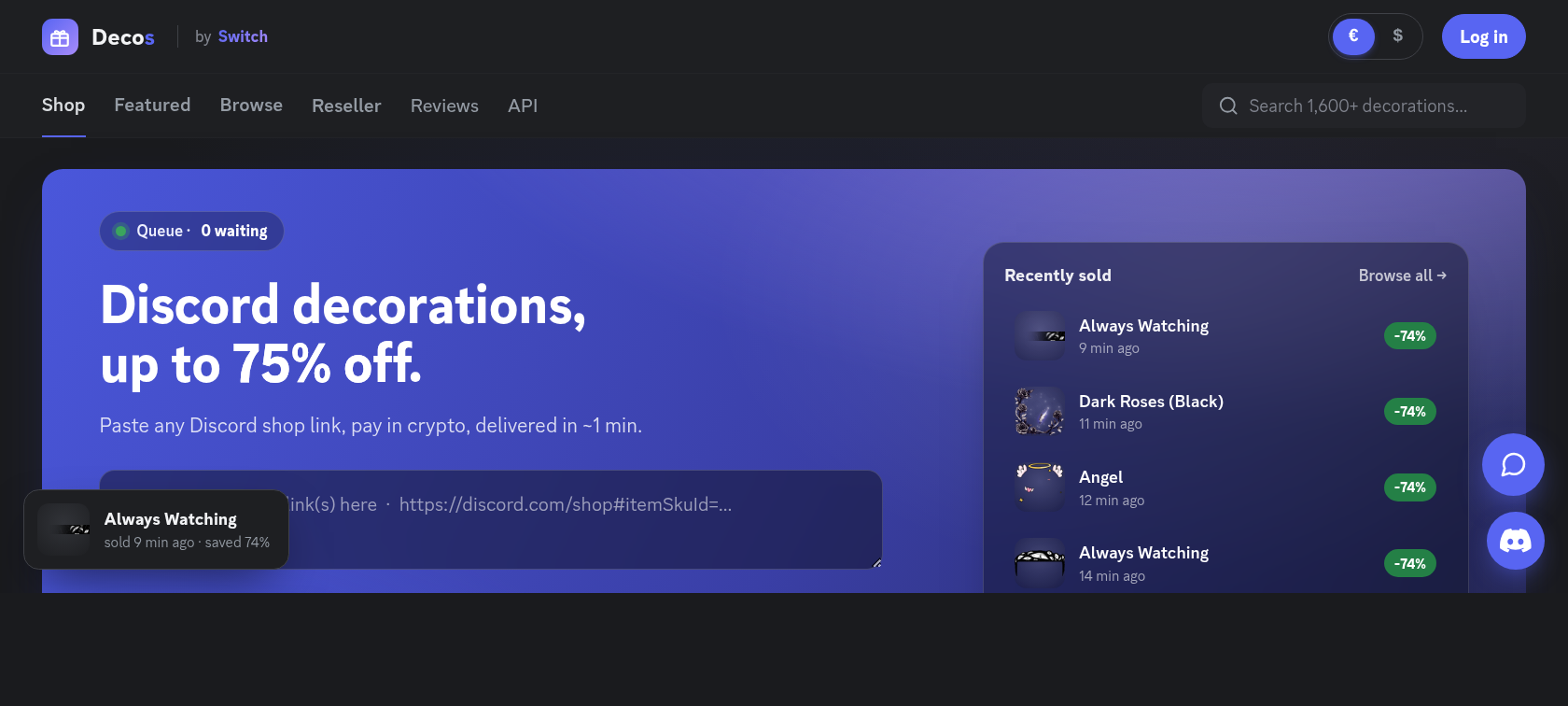
On the Decos homepage, paste the Discord shop link into the box and hit Get instant quote, or tap any item in the catalog to add it to your cart. You will see exactly how much you save before you pay anything.
3. Pay with crypto
Check out and pay in BTC, ETH, USDT, LTC, SOL and more. There is no card and no account required. If you make an account, you can keep a prepaid balance and skip checkout next time.
4. Redeem your gift link
Within about a minute we buy the item and send you a standard discord.gift link, both on the order page and by email. Open it, redeem it on your Discord account, and the decoration is on your profile. Links expire in 47 hours, so claim yours soon.
Why it is cheaper
Discord prices its shop differently by region. We buy using that pricing and pass the saving on, so you get the exact same official item for a fraction of the shop price.
Is it safe?
Yes. You get a genuine gift link that you redeem yourself. We never ask for your Discord login or touch your account, and if we ever cannot deliver, you are refunded automatically. That is the whole deal, no fine print.
Ready? Browse the shop or read how it works.